
singularity的安装和使用#
[!NOTE]
Singularity是一种开源的容器化技术,专为科学计算、高性能计算(HPC)和大规模计算工作流程设计。
它允许用户将应用程序、环境和依赖项打包到一个独立的、可移植的单个文件中,称为SIF(Singularity Image Format)容器镜像。
这使得用户可以在不同的系统上无缝地运行相同的容器,包括在没有root权限的环境中运行。
注意:数信云服务器已经预装了singularity,所以不需要再自己进行安装!
1.安装singularity
sudo apt-get update
sudo apt-get install -y singularity-container
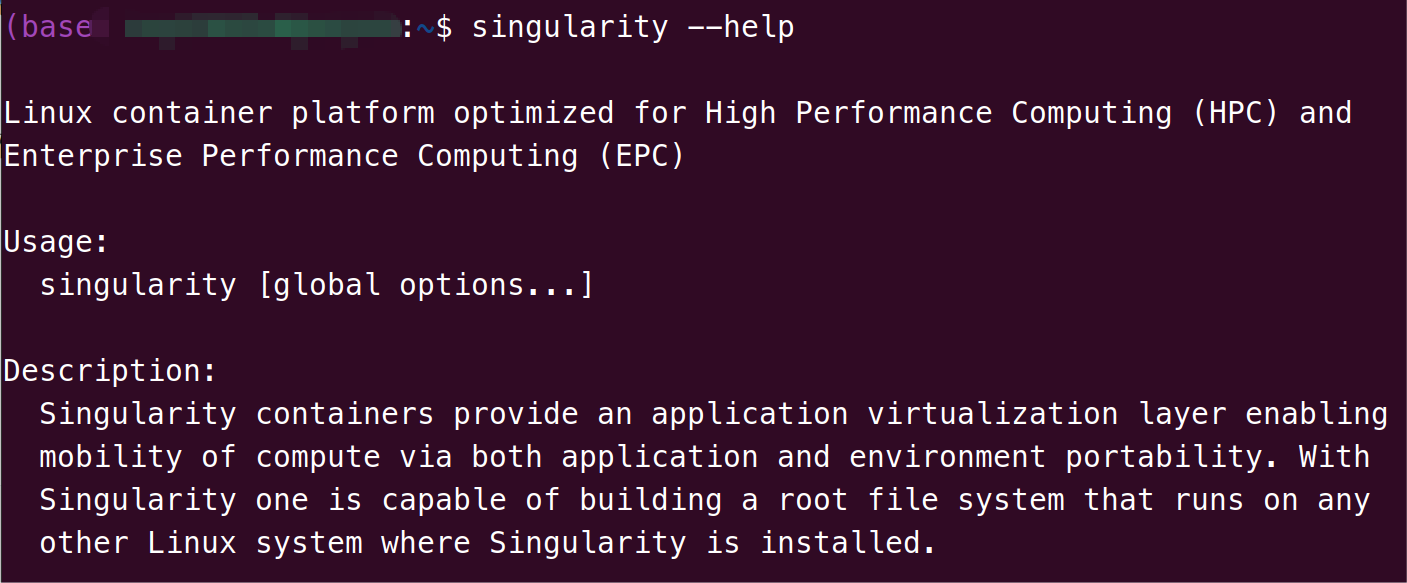
验证singularity成功安装
singularity --help
2.常用singularity命令
# 查看 Singularity 版本
singularity --version
# 拉取镜像(从 DockerHub)
singularity pull docker://ubuntu:20.04
# 从定义文件构建镜像
singularity build my_image.sif recipe.def
# 查看镜像信息
singularity inspect my_image.sif
# 运行容器(执行默认入口点)
singularity run my_image.sif
# 在容器内执行命令
singularity exec my_image.sif ls /usr/bin
# 进入交互式容器 Shell
singularity shell my_image.sif
# 挂载本地目录到容器
singularity exec -B /data:/mnt my_image.sif ls /mnt
# 使用 fakeroot 模式(模拟 root 权限)
singularity shell --fakeroot my_image.sif
# 使用 overlay 写入(否则容器默认只读)
singularity shell --overlay my_overlay.img my_image.sif
3.singularity生物信息之pyscenic
源自官网教程https://pyscenic.readthedocs.io/en/latest/installation.html
首先拉取pyscenic的官方镜像,格式:docker pull XXX
# pySCENIC CLI version (recommended).
singularity build aertslab-pyscenic-0.12.1.sif docker://aertslab/pyscenic:0.12.1
(singularity本质还是拉取docker资源,由于docker是外网资源,所以常常会遇到镜像拉取失败的问题,因为服务器无法连接外网,联系驻群技术即可)
(数信云服务器预装了很多docker镜像,可以通过docker images查看,就不需要再次拉取了)
开始运行pyscenic——建基因调控网络 (GRN)
singularity run -B /data:/data aertslab-pyscenic-0.12.1.sif \
    pyscenic grn \
        --num_workers 6 \
        -o /data/expr_mat.adjacencies.tsv \
        /data/expr_mat.tsv \
        /data/allTFs_hg38.txt
解释:
docker run -it --rm→ 启动一个临时 Docker 容器,运行结束后自动删除。-v /data:/data→ 把宿主机的/data目录挂载到容器的/data,输入输出文件都能直接共享。aertslab/pyscenic:0.12.1→ 使用 Aerts 实验室发布的 PySCENIC 版本 0.12.1 镜像。pyscenic grn→ 执行 GRN 步骤,推断转录因子 (TF) 与基因的关系。--num_workers 6→ 使用 6 个线程并行加速。-o /data/expr_mat.adjacencies.tsv→ 输出文件,保存候选 TF-基因调控关系(邻接表)。/data/expr_mat.tsv→ 输入的表达矩阵(基因 × 细胞)。/data/allTFs_hg38.txt→ 人类转录因子列表(参考 hg38)。
👉 输出: /data/expr_mat.adjacencies.tsv,包含潜在 TF → 基因关系。
开始运行pyscenic——结合 motif 注释,筛选 regulons (CTX)
docker run -it --rm \
    -v /data:/data \
    aertslab/pyscenic:0.12.1 pyscenic ctx \
        /data/expr_mat.adjacencies.tsv \
        /data/hg19-tss-centered-5kb-7species.mc9nr.genes_vs_motifs.rankings.feather \
        /data/hg19-tss-centered-10kb-7species.mc9nr.genes_vs_motifs.rankings.feather \
        --annotations_fname /data/motifs-v9-nr.hgnc-m0.001-o0.0.tbl \
        --expression_mtx_fname /data/expr_mat.tsv \
        --mode "custom_multiprocessing" \
        --output /data/regulons.csv \
        --num_workers 6
解释:
singularity run→ 启动 Singularity 容器。-B /data:/data→ 把宿主机的/data目录挂载到容器的/data(和 Docker 里的-v类似)。aertslab-pyscenic-0.12.1.sif→ 你本地的 PySCENIC 镜像文件。pyscenic grn→ 运行 PySCENIC 的 GRN 步骤。--num_workers 6→ 使用 6 个线程并行。-o /data/expr_mat.adjacencies.tsv→ 输出候选 TF-基因关系文件。/data/expr_mat.tsv→ 输入基因表达矩阵。/data/allTFs_hg38.txt→ 人类转录因子列表。